Setting Up My Access to the WordPress Photo Directory
In this stage, I focused on setting up everything needed to start contributing to the WordPress Photo Directory.
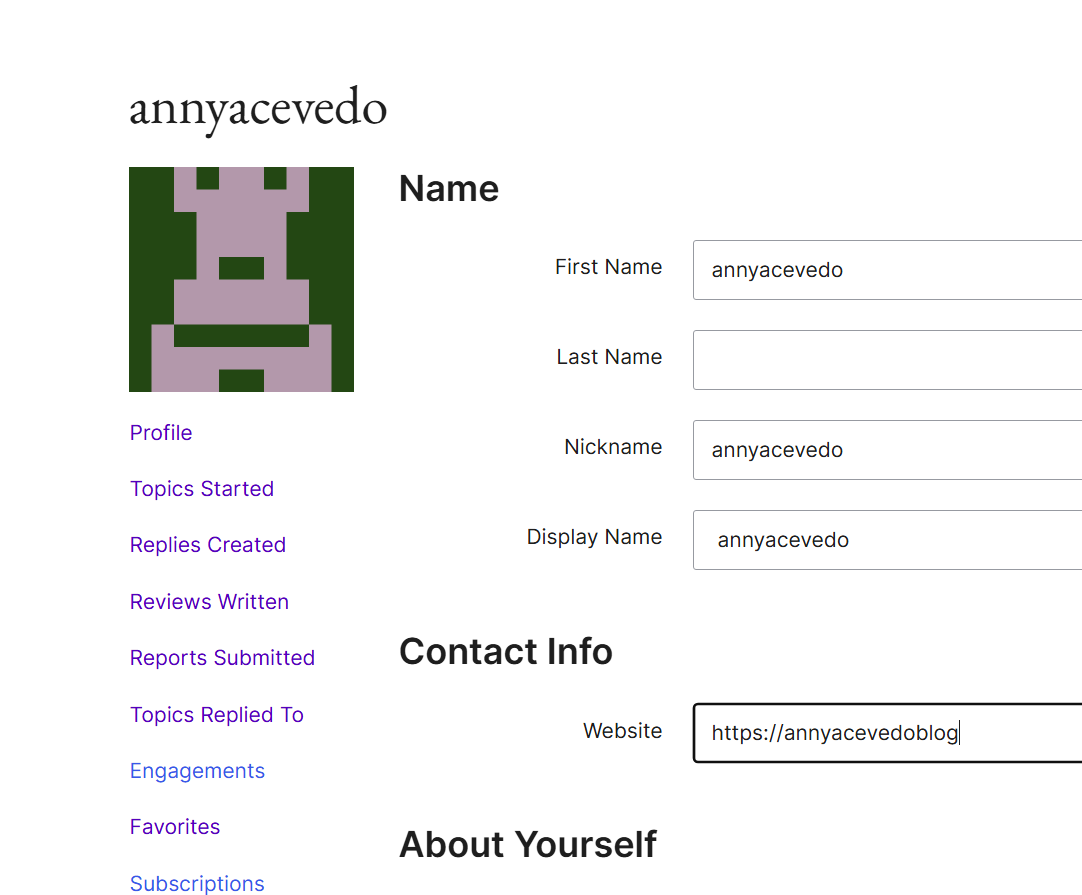
First, I created my account on WordPress.org and explored my profile. This account is essential because it allows me to submit photos and track my contributions within the WordPress community.
Guidelines
Photo rules
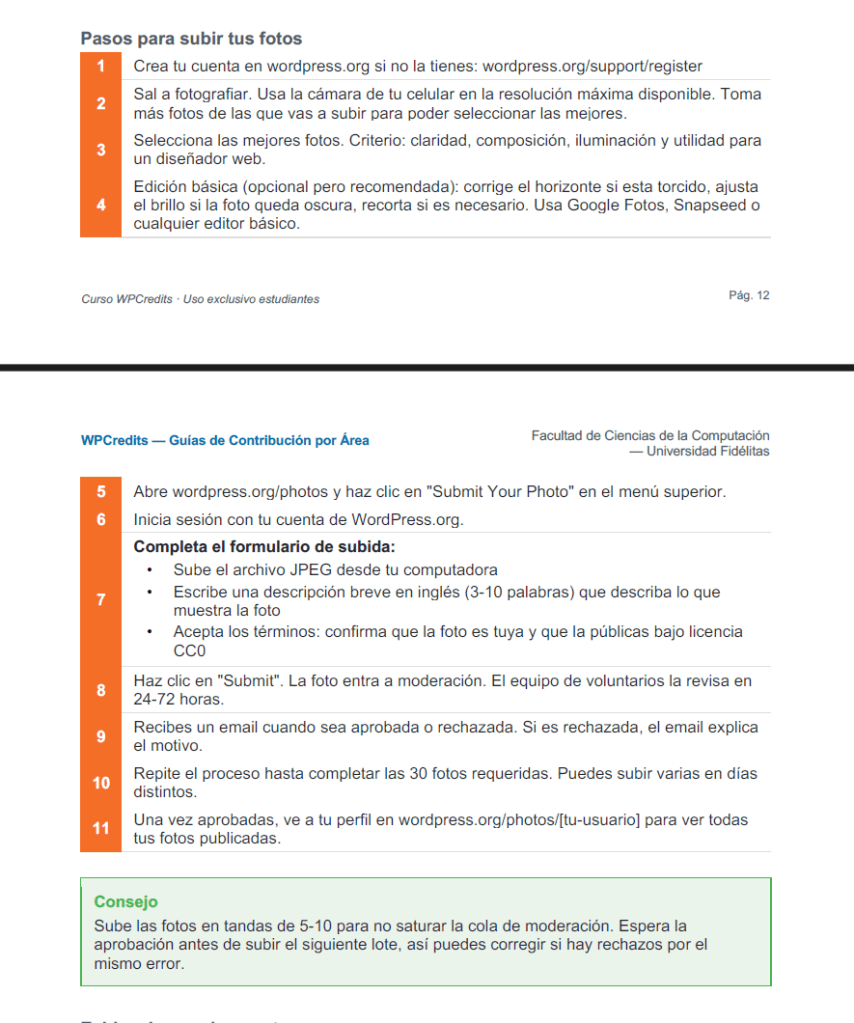
I accessed the Photo Directory and reviewed the guidelines. Photos must be original, high quality, and avoid people, logos, or copyrighted content to ensure they can be freely used.
Interface
Upload system
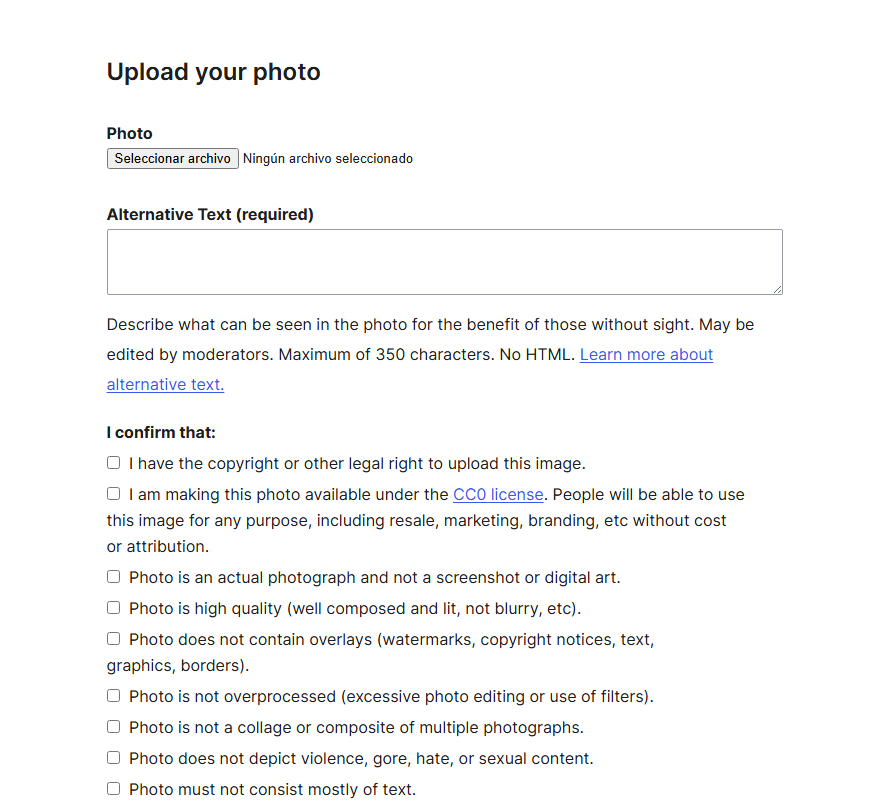
I explored the submission interface and learned how to upload images, add titles, descriptions, and tags. This helped me understand how to properly submit photos.
Ready
First step
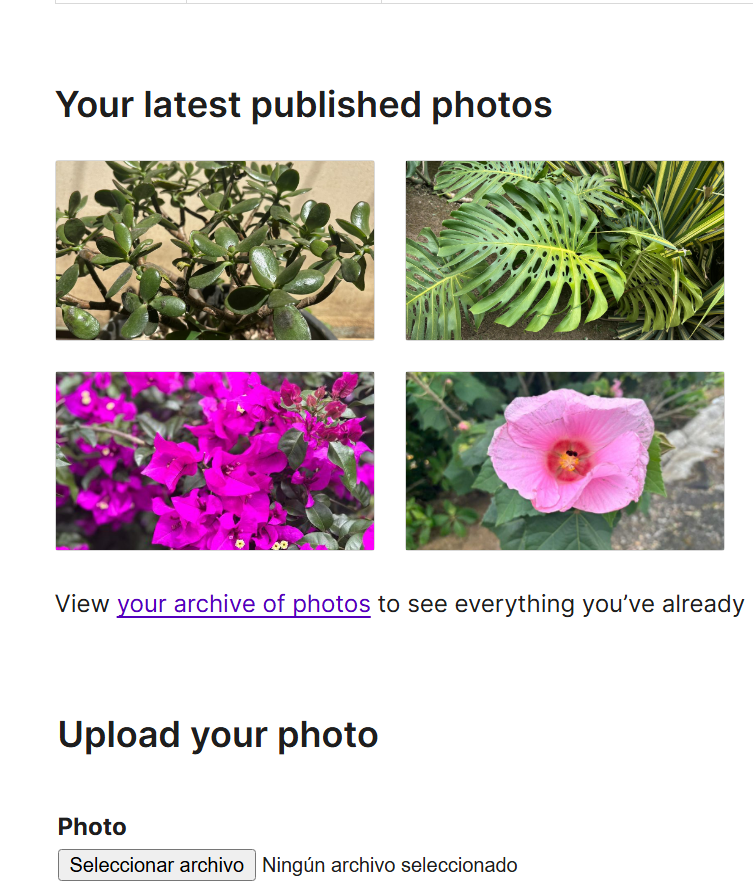
This step helped me understand the platform and prepared me to begin my first contribution with confidence and a clear idea of the process.

